
Maintenance teams that rely on spreadsheets, whiteboards, or paper work orders often can't see this coming. Work requests get lost in email threads. Nobody knows which spare parts are on the shelf until someone walks to the storeroom. Average downtime costs $25,000 per hour, with larger organizations reporting figures above $500,000 per hour, according to a 2024 MaintainX survey covered by Facilities Dive.
Maintenance management software fixes this by centralizing work orders, PM schedules, asset records, parts data, and technician activity in one system. This guide compares five leading platforms by real use case, not just brand recognition, so you can match software to how your team actually works.
Key Takeaways
- Full CMMS platforms cover work orders, assets, preventive maintenance, inventory, and reporting
- Lighter tools mainly coordinate technician tasks, not full asset and inventory programs
- Choose software based on asset complexity, team size, mobile needs, integrations, and budget
- Manufacturing teams should check legacy-equipment connectivity and IIoT readiness before buying
- Confirm pricing, plan limits, implementation support, and security docs directly with each vendor
Overview of Maintenance Management Software in the US Market
Maintenance management software goes by several names, and the differences matter when you're comparing products.
A CMMS (Computerized Maintenance Management System) centralizes maintenance data: work orders, asset records, scheduling, and inventory.
An EAM (Enterprise Asset Management) platform takes a wider view, optimizing physical assets across their full lifecycle, from purchase to retirement. IBM notes that EAM and CMMS often work together, with CMMS handling day-to-day maintenance execution and EAM guiding long-term asset strategy.
An ERP maintenance module, by contrast, is typically a smaller feature bolted onto a broader business system. Asset performance management (APM) software sits closer to reliability engineering, using condition data to predict failures before they happen.
What This Means for US Operations
For manufacturers, food and beverage plants, semiconductor fabs, and multi-site facility teams, the practical test is simpler: can the software take a work request through assignment, execution, asset history, parts usage, and reporting without manual re-entry?
The outcomes worth measuring include:
- Reduced unplanned downtime
- Higher preventive maintenance compliance
- Better equipment utilization
- More accurate maintenance records for audits
- Clearer repair-versus-replace decisions
Preventive maintenance adoption is already high. 86.8% of maintenance professionals report using PM, yet almost 60% spend less than half their maintenance time on it, according to Facilities Dive coverage of MaintainX's 2024 survey. The right platform closes that gap by making PM schedules, compliance, and execution visible in one place.
The products below should be compared by use case, not brand familiarity. Verify current features, pricing, and integrations directly with each vendor before deciding.
Top Maintenance Management Software in the US
Each platform below is evaluated on work-order management, preventive maintenance, asset and inventory control, mobile usability, reporting, integrations, scalability, and implementation effort.
VistrianMMS — Best for Manufacturers Needing Real-Time Equipment Visibility
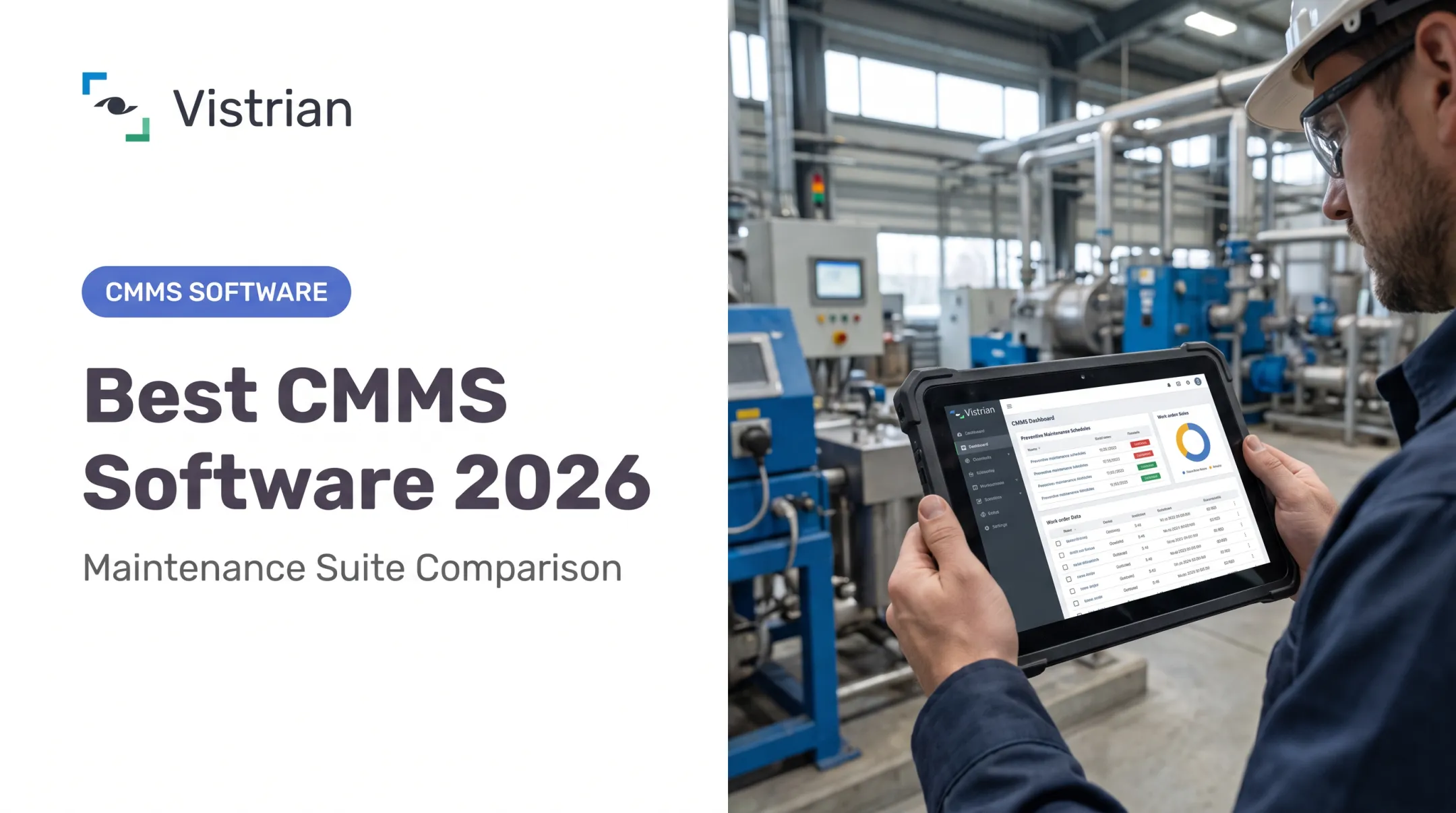
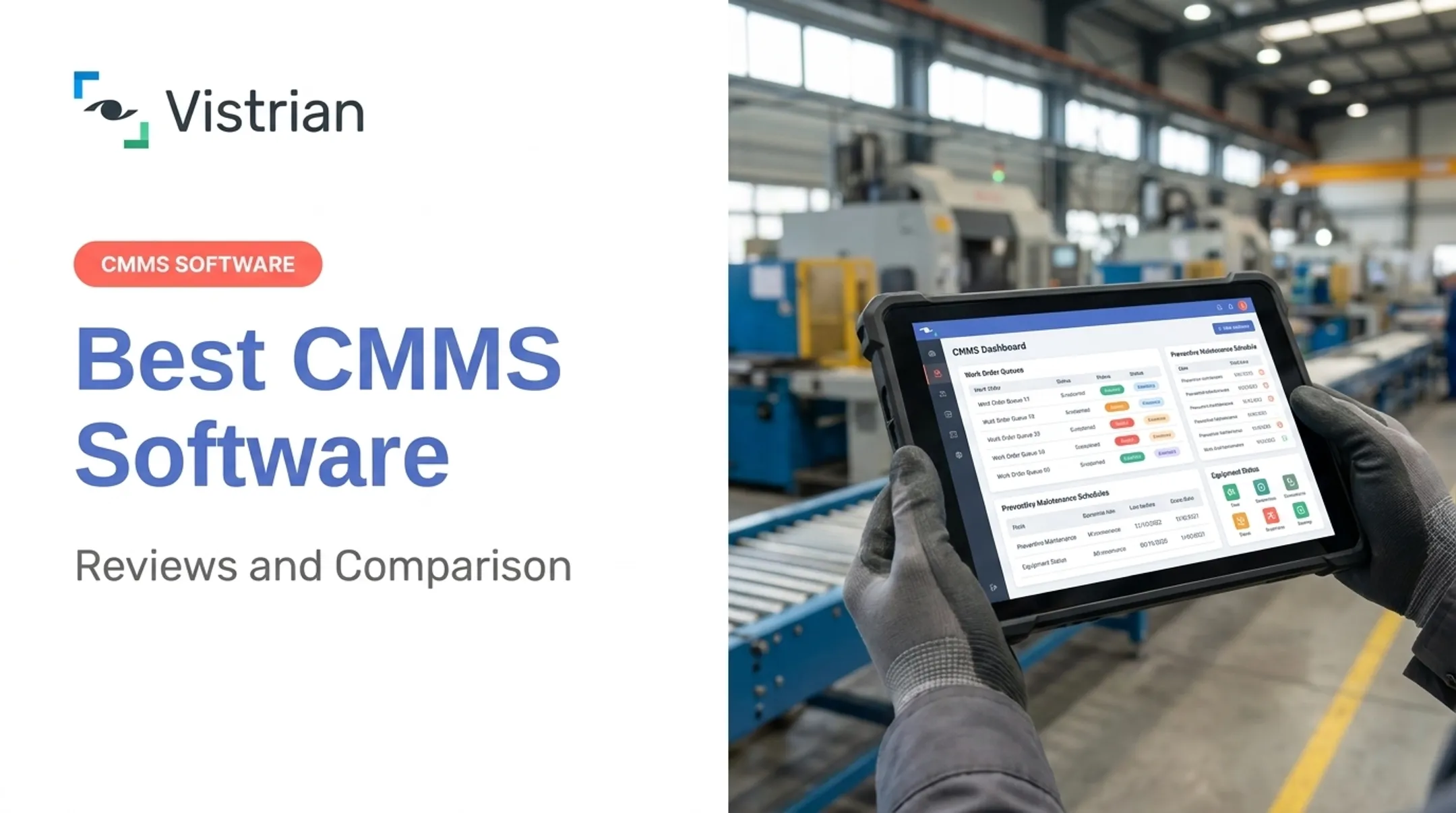
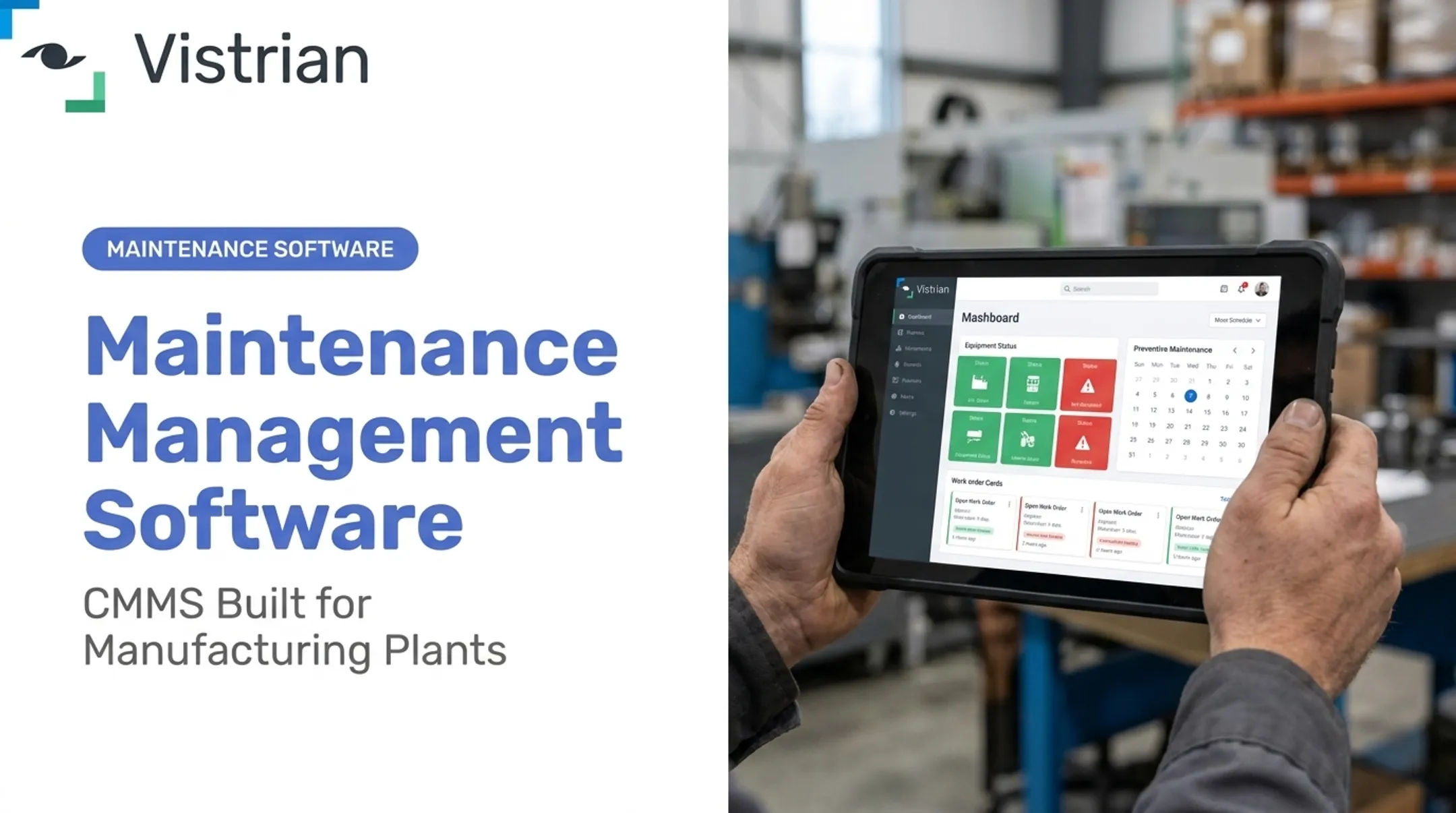
VistrianMMS is Vistrian's CMMS, built for factory floors rather than generic facility work. Core modules cover work orders, preventive maintenance, equipment checklists, spare-parts inventory, calibration, TPM, repair-center workflows, and live maintenance KPI dashboards.
Its edge in manufacturing is the link to Vistrian's Manufacturing Suite. FactoryLOOK pulls data from PLCs, sensors, and legacy controllers, then feeds equipment condition into VistrianMMS for condition-based and predictive scheduling—especially useful for mixed-vendor or older machines that lack native software connections.
Vistrian reports internal benefits of:
- 20.1% reduction in equipment downtime
- 28.3% increase in maintenance productivity
- Up to 19.4% reduction in material costs
- Up to 17.8% reduction in MRO inventory
VistrianMMS supports cloud or on-premises deployment, with browser access on desktops, tablets, and phones. It is built for multi-plant rollouts: corporate teams get centralized dashboards, while local sites keep control of their own schedules and spares.
Implementation support covers integration, configuration, and onboarding. Pricing is modular and subscription-based—confirm current packaging directly with Vistrian for your deployment.
Best for: Manufacturing teams with legacy or mixed-vendor equipment who want maintenance data connected to production analytics, not siloed in a separate app.
MaintainX — Best for Mobile-First Work Orders
MaintainX built its reputation on mobile execution. Technicians create and close work orders, run recurring or meter-based PM schedules, log checklists, and message teammates, all from a phone.
Its capabilities include:
- Work request intake and assignment
- Asset history tracking
- Preventive maintenance triggers
- Inspection and checklist workflows
- Integrations with SAP, Oracle, QuickBooks, Slack, and Power BI
Pricing runs an Essential tier at roughly $20 per user per month (billed annually) and Premium around $65 per user per month, plus a free Basic tier for smaller teams. Offline mode works for Full Users and Admins on most tiers; Requesters do not get the same access.
G2 rates MaintainX 4.8 out of 5 across more than 1,500 reviews, with reviewers often citing ease of use.
Best for: Small and mid-sized maintenance teams that want fast technician adoption over deep customization. Verify plan limits if you need advanced automation, reporting, or multi-asset features.
UpKeep — Best for Combining Maintenance with Inventory and Scheduling
UpKeep covers the full request-to-completion workflow: work orders, preventive maintenance, asset tracking, inventory, purchasing, scheduling, and checklists in one system.
Its Essential plan starts around $24 per user per month, with Premium near $55 per user per month. A 7-day free trial is available with no credit card required. UpKeep offers native integrations with SAP, Oracle, NetSuite, and Microsoft Dynamics, plus a public API and Zapier for custom connections.
Offline access is limited to Professional and Enterprise tiers. AI suggestions and predictive triggers also sit on higher plans, so include those tiers in total cost if you need them now. UpKeep fits field-service and facility teams better than heavy manufacturing with complex asset hierarchies.
Best for: Facilities and field-service teams that want scheduling and inventory visibility without heavy configuration. G2 rates UpKeep at 4.5 out of 5 from over 1,000 reviews, with reviewers noting the user-friendly interface.
Fiix — Best for Reliability-Focused Teams
Fiix leans into reliability analytics. Beyond standard work orders and PM triggers, it offers Fiix Foresight, an AI layer that analyzes work order history to flag trends, potential failures, and compliance gaps by shift or site.
Pricing includes a genuinely free plan with limited users and no trial expiration, a Basic tier around $45 per user per month, and Professional near $75 per user per month. Technicians can scan QR codes to check out spare parts, and the mobile app includes optional offline mode.
Fiix's open API connects to PLCs, HMIs, sensors, MES, DCS, and SCADA systems, so asset-heavy operations can pull condition-monitoring data into maintenance workflows. G2 rates Fiix 4.6 out of 5 from 477 reviews, with reviewers highlighting centralized work orders, assets, and inventory.
Best for: Reliability engineers who want failure-trend analytics alongside standard CMMS functions, and who value a permanent free tier for smaller pilot programs.
eMaint CMMS — Best for Configurable Enterprise Programs
eMaint is built for organizations that need heavy configuration: custom forms, fields, workflows, and role-, department-, or site-level permissions. Multi-site hierarchy support and more than 35 languages make it a candidate for large or regulated multi-location operations.
Compliance features include audit trails through its Change Log, which records every change with source, old and new values, timestamp, and user. eMaint also supports electronic signatures, SSO, ERP connections, and open APIs.
Implementation ranges from self-service to Advanced packages, with on-demand, live, or custom training on 30-, 60-, or 90-day plans.
eMaint offers a free trial and reports more than 50,000 users across 55+ countries. G2 rates eMaint 4.5 out of 5 from 292 reviews, with reviewers citing ease of use and customization.
Best for: Larger or regulated organizations that need deep configuration and audit trails—and can take on longer implementation and admin overhead.
How We Chose the Best Maintenance Management Software
Picking a CMMS on price alone is one of the most common mistakes teams make. Another is confusing a lightweight workforce app with a full maintenance management platform, then discovering mid-implementation that it can't handle asset hierarchies or parts tracking. A third is leaving technicians out of the evaluation entirely, then wondering why adoption stalls after launch.
Core Functionality We Evaluated
Each platform was assessed against capabilities tied to specific outcomes, not just feature checklists:
- Request intake and work orders for faster response and fewer dropped requests
- Recurring and meter-based PM to raise compliance and cut surprise failures
- Asset hierarchies and history that support clearer repair-versus-replace decisions
- Parts and inventory management to reduce stockouts and carrying costs
- Mobile access and offline mode so technicians actually adopt the tool on the floor
- Dashboards and audit trails for quicker reporting and easier compliance reviews
Technical and Commercial Fit
Legacy-machine connectivity, IIoT readiness, and ERP or SCADA integration depth separate manufacturing-grade platforms from generic facility tools. We also weighed data migration effort, role-based access controls, security documentation, implementation support, and pricing structure against total cost of ownership.
Practical selection process:
- Document current workflows and map how work requests actually move today, gaps included
- Set baseline KPIs for downtime, PM completion rate, MTTR and MTBF, backlog, and parts stockouts before you switch
- Shortlist by use case, not by feature count or brand recognition
- Run technician demos so the people using it daily weigh in before you sign
- Pilot on representative assets with real equipment, not a sandbox account
- Define adoption criteria with a clear bar for what successful rollout looks like

Conclusion
The best maintenance management software is the one that fits your asset complexity, maintenance strategy, workforce size, integration environment, and growth plans. A long feature list alone is a weak buying signal.
Before you sign, compare your shortlist on:
- Implementation effort and data quality
- Mobile adoption and preventive maintenance depth
- Reporting, scalability, and total cost
A platform that looks great in a demo but can't talk to your legacy PLCs will cost more in workarounds than it saves in subscription fees.
Manufacturing and multi-site teams making that call can evaluate VistrianMMS and Vistrian's broader Maintenance Suite, which connect maintenance workflows with real-time equipment data, legacy-machine integration, and operational analytics beyond a standalone CMMS.
Frequently Asked Questions
Is there a free CMMS?
Some providers, like Fiix, offer a permanent free plan, while others offer time-limited trials. Free versions typically cap users, assets, automation, or reporting, so compare total upgrade cost before committing.
What is the best software for maintenance management?
It depends on your asset complexity, team size, maintenance strategy, mobile needs, and budget. Full CMMS platforms handle assets and inventory deeply; lighter workforce tools focus mainly on task coordination.
Which CMMS software is best for small businesses?
Small teams should prioritize easy implementation, transparent pricing, core work-order and PM features, mobile access, and room to grow. Compare free plans or trials rather than assuming one universal winner.
What are the most popular CMMS platforms?
MaintainX, UpKeep, Fiix, and eMaint all show strong review volume and ratings on platforms like G2. Popularity signals market visibility, not necessarily fit for your specific asset mix or team.
What is the best software for maintenance planning?
Look for recurring and meter-based scheduling, workload balancing, parts availability checks, technician assignment, and approval workflows. Test these with realistic scenarios before buying, not just a vendor demo.
What is the best software for asset management?
Depending on scope, this could mean a CMMS, an EAM, or an integrated maintenance and analytics platform. Prioritize asset hierarchies, lifecycle history, condition data, and multi-site visibility in your evaluation.